
By Aoife Byrne · Safety Editor
How to check a used phone before buying in Ireland
A step-by-step inspection guide covering ownership, battery health, locks, cameras, connectivity and safer payment before buying a second-hand phone.
Published 12 August 2026 · Reviewed 12 August 2026 · 9 min read
Start with the identity of the phone
A clean screen and a low price do not tell you whether a phone can be used safely. Before travelling, ask the seller for the exact make, model, storage capacity, colour and network status. The advert should explain known faults, repairs and what is included. Compare those details with the photographs and be cautious if the model, condition or seller story changes during the conversation. Keep early communication in Local Ads messages so the original information remains easy to review.
Check locks and ownership before payment
Ask the seller to remove their Apple ID or Google account and complete the normal factory-reset process in front of you. A reset phone should reach its genuine setup screen without requesting the previous owner's credentials. Check the device identifier in the settings and, where appropriate, ask the network whether it has been reported lost, stolen or blocked. Do not publish a full IMEI in an advert or send identity documents to a stranger. A receipt showing the date, price, device and both parties' agreed names is more proportionate for a valuable handover.
Ten-minute hardware inspection
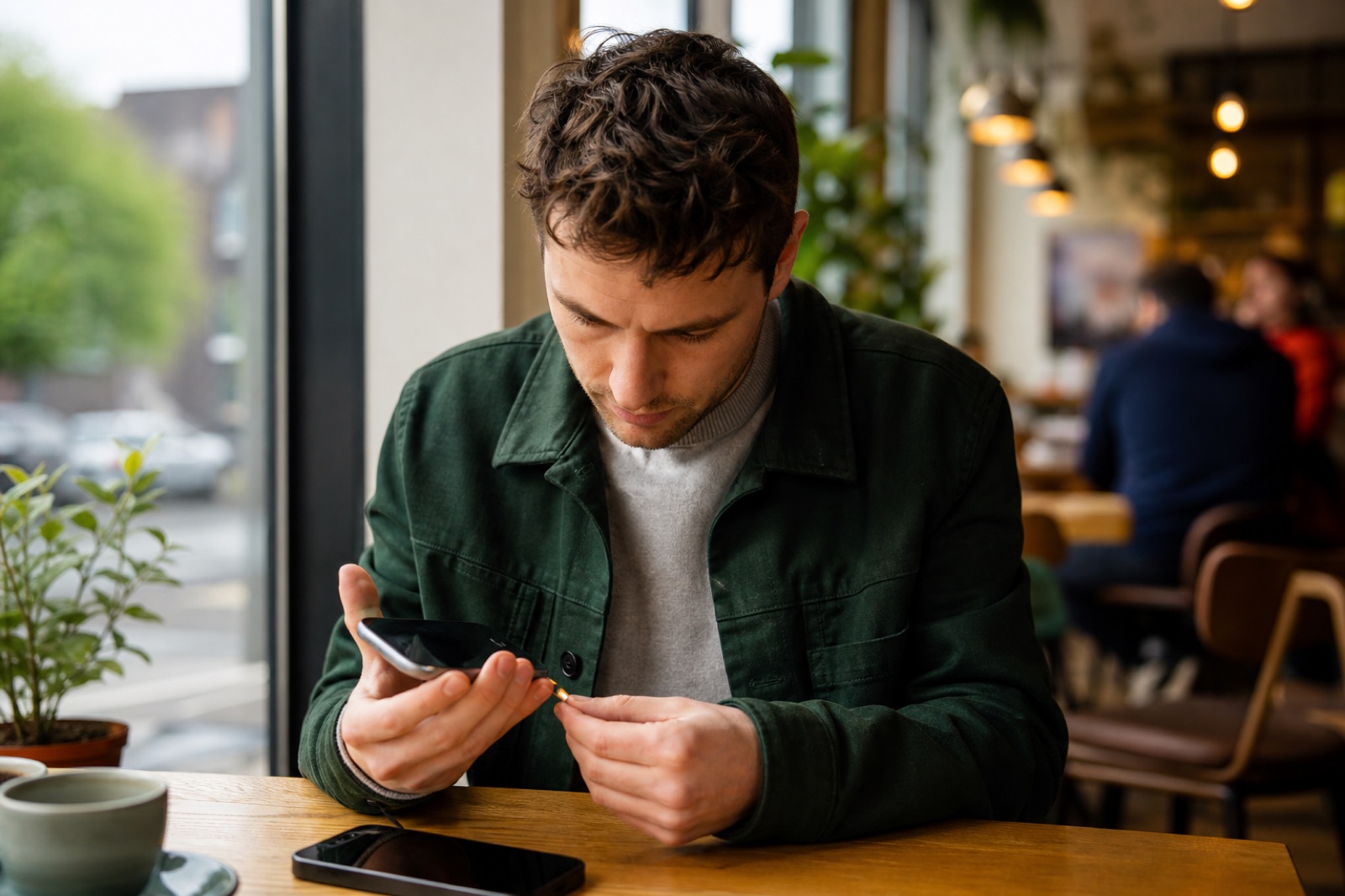
- Inspect the frame, screen, camera lenses and charging port under good light.
- Test touch response across the whole display and look for dead pixels, flicker or image burn.
- Make a test call and check the microphone, earpiece, loudspeaker, Wi-Fi and Bluetooth.
- Open every camera, record a short video and test focus, flash and image stabilisation.
- Connect a compatible charger and confirm that charging starts without holding the cable at an angle.
Understand battery health and repair history
Battery percentage at the meeting is not battery health. Use the manufacturer's battery-health screen when available and ask whether the battery, screen or camera has been replaced. A third-party repair is not automatically a problem, but you need to know whether biometric security, water resistance or display functions were affected. Treat claims about waterproofing cautiously after any repair. If the phone becomes unusually hot, restarts, drains quickly or shows a battery warning during testing, price the risk of diagnosis and replacement before making an offer.
Test the functions you actually need
Bring your own SIM only if you can handle it securely, or ask the seller to demonstrate mobile connectivity. Confirm the storage capacity in settings rather than relying on the box. Check buttons, vibration, fingerprint or face recognition, GPS and contactless features where they matter to you. Accessories should be inspected separately; damaged or counterfeit chargers can be a safety risk. Never plug an unknown phone into a computer containing sensitive files simply to test data transfer.
Walk away when
- The phone remains linked to another person's account or cannot be reset normally.
- The identifier, storage capacity or model does not match the advert.
- The seller refuses a reasonable inspection but pressures you to transfer money.
- You are asked to pay a courier, escrow page or Local Ads delivery link supplied in a message.
- The meeting person, payment account or collection location changes without a credible explanation.
Local Ads connects buyers and sellers but does not hold the payment for marketplace goods. Inspect before paying whenever practical, use a method you understand and retain a written record. For an expensive phone, the cheapest advert is rarely the best value if ownership, battery condition or repair quality cannot be verified. A patient inspection protects both your money and the personal information you will eventually store on the device.
Tags
More from Buyer safety
 Buyer safety
10 min read
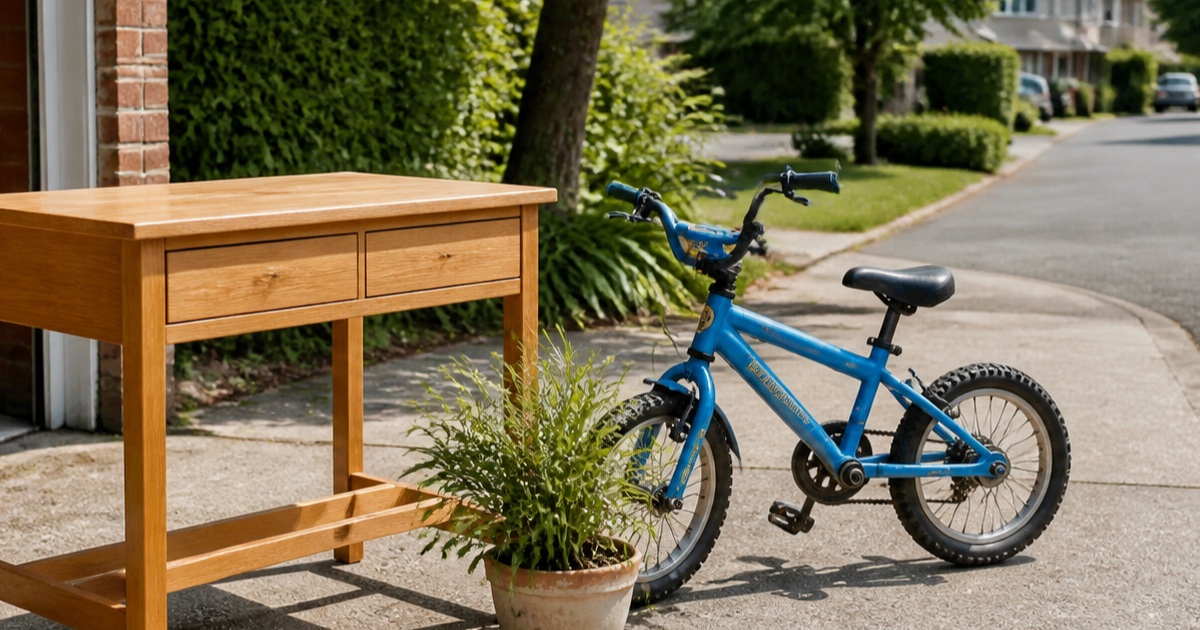
Free Stuff in Ireland: How to Give Away and Collect Items Safely
A practical guide to giving away usable items and arranging free local collections without creating unnecessary safety or privacy risks.
 Buyer safety
10 min read
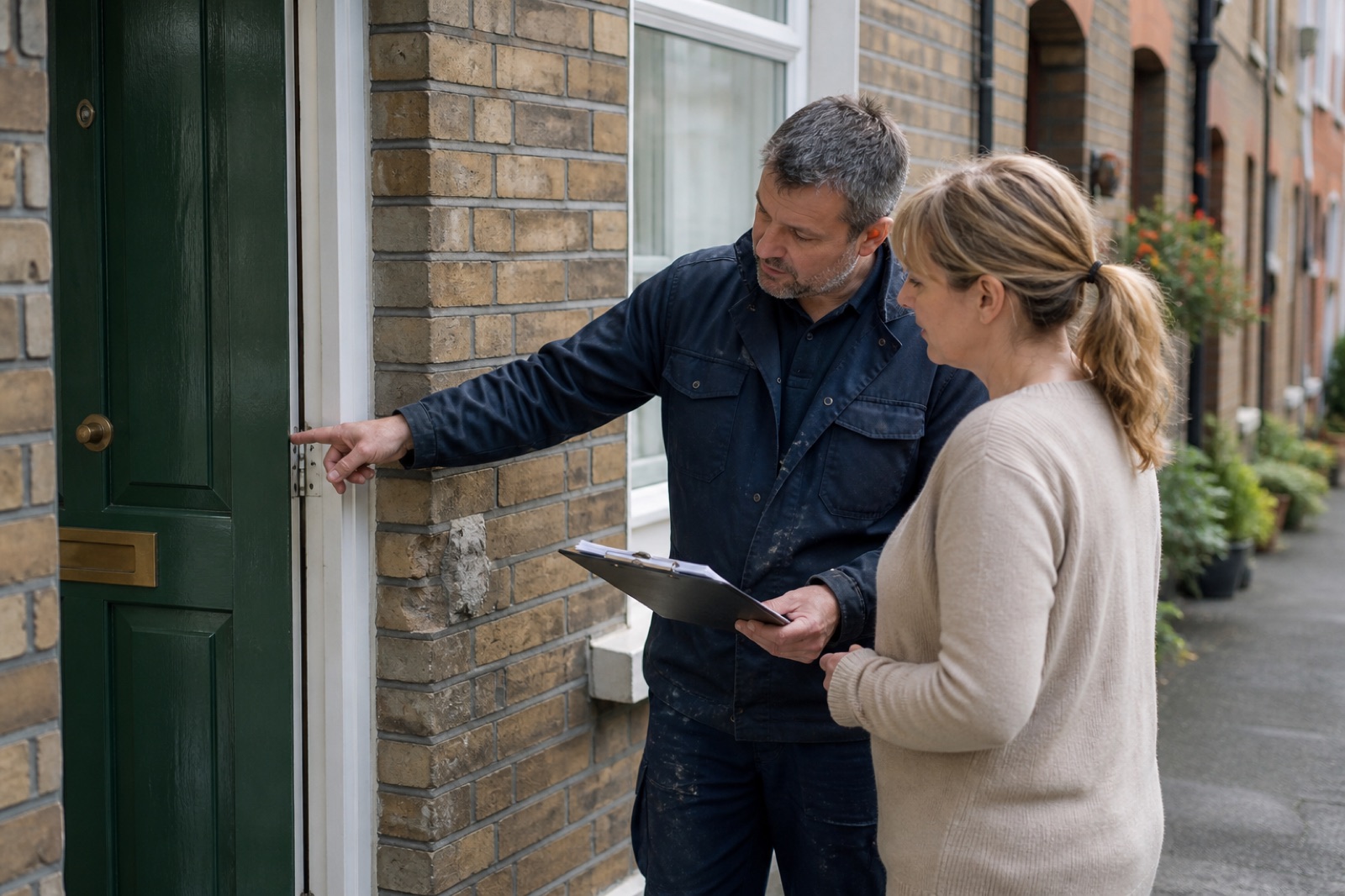
How to choose a local tradesperson in Ireland
Compare qualifications, references, written quotes, insurance and payment stages before hiring someone for work in your home.
 Buyer safety
10 min read
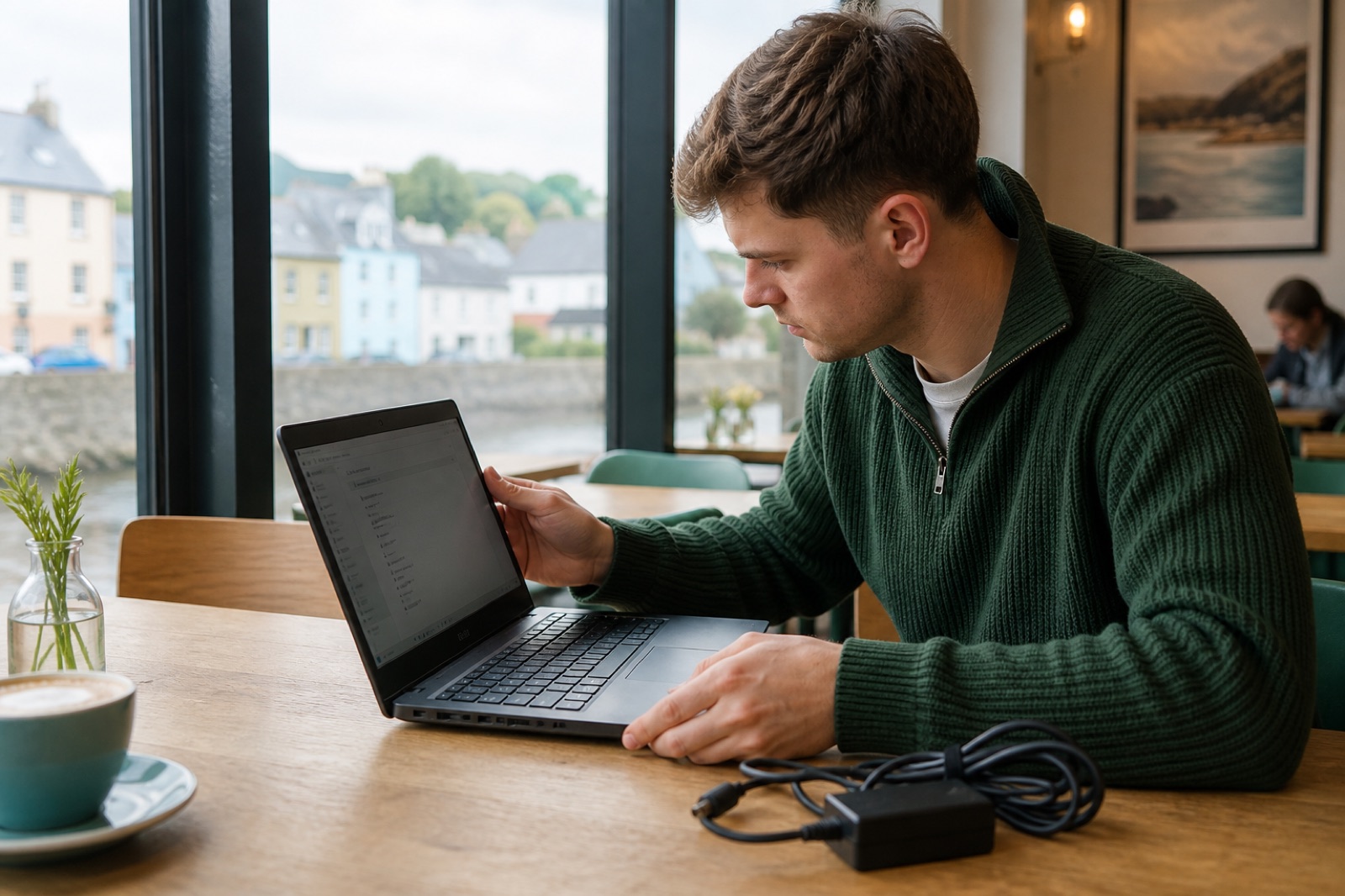
How to check a used laptop before buying in Ireland
Inspect battery health, accounts, storage, ports and physical condition with this practical checklist before paying for a second-hand laptop.