
By Local Ads Editorial Team · Irish Marketplace Guides
How to Sell a Used Laptop in Ireland: Data, Specs and Testing Guide
Prepare a second-hand laptop for sale with verified specifications, secure data removal, useful tests, clear photos and realistic Irish pricing.
Published 25 August 2026 · Reviewed 25 August 2026 · 14 min read
Laptop buyers search by specification, condition and remaining useful life, not by appearance alone. A title such as good laptop for sale forces the buyer to ask about processor, memory, storage, screen, battery and operating system before deciding whether the machine fits study, office, gaming or creative work. Sellers also need to protect years of personal data and remove management or activation locks. This guide turns the process into a repeatable audit: identify the exact configuration, test the hardware, create a clean installation, photograph real condition and list locally on LocalAds.ie with enough evidence for an informed Irish buyer.
Capture the exact specification before resetting
Record the manufacturer, full model code, processor, installed memory, storage type and capacity, screen size and resolution, graphics hardware, keyboard layout, ports and operating system eligibility. A model family can contain many configurations, so a sticker name alone is not enough. Use built-in system information and, where appropriate, a reputable hardware tool. Note whether memory or storage was upgraded and retain invoices if available. Do not publish serial numbers, computer names, usernames, licence keys or screenshots containing email addresses. Save specification evidence privately before the reset removes easy access to your installed tools.
Test the parts buyers cannot judge from one photograph
Check the display for bright spots, lines and dead pixels; test the keyboard, trackpad, webcam, microphones, speakers, Wi-Fi, Bluetooth, USB ports, video outputs, card reader and headphone socket. Confirm the charger connects reliably and inspect its cable. Run the laptop on battery long enough to identify abrupt shutdowns, excessive heat or loud fans. Report battery health or cycle count when the system provides it, but do not promise a precise runtime because workload changes consumption. Disclose hinge looseness, missing screws, case cracks, previous liquid exposure and every repair you know about.
Remove personal and organisational access
Back up documents and export anything needed from local applications. Sign out of cloud storage, browsers, password managers, communication tools and device-finding services. Remove the computer from personal account dashboards and check for firmware passwords, activation locks or workplace and school management profiles. Use the operating system maker's supported reset or secure erase procedure, reinstall a legitimate system and apply essential updates. If the machine cannot support a current secure operating system, state that prominently. Never include pirated software or promise paid licences that are tied to your personal account and cannot lawfully transfer.
Make photographs answer condition questions
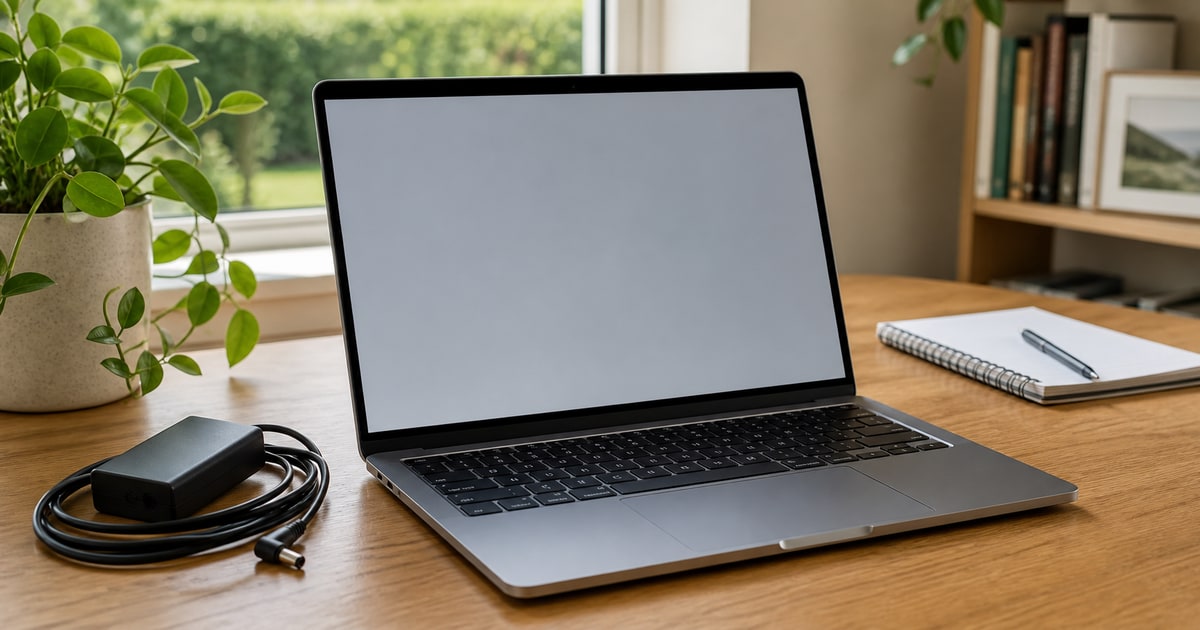
Clean the screen and keyboard with appropriate materials, then photograph the laptop open and powered on, closed from above, from both sides and from the underside. Include ports, charger, model label with sensitive identifiers obscured, keyboard wear and close-ups of dents or screen marks. A clear system-information image can support the written specification after personal details are hidden. Avoid a wallpaper that contains family images, usernames or notifications. If the screen flaw appears only on a dark or bright background, show both. Honest images support the price better than calling a heavily used device like new.
Match the price to capability rather than the old receipt
Compare the exact processor generation, memory, storage, graphics and condition with current Irish alternatives. Buyers may choose a newer refurbished machine with a warranty, so subtract for weak batteries, unsupported software, damaged chargers and uncertain repair history. Add value cautiously for useful upgrades, a genuine transferable warranty or premium accessories, but do not expect to recover every upgrade euro. For gaming or workstation laptops, list the specific graphics hardware and thermal condition. Decide your minimum before negotiation and be prepared to explain the price using facts visible in the ad rather than vague claims about what the laptop originally cost.
Demonstrate the machine without surrendering control
For collection, boot the clean operating system and let the buyer check the specification, screen, keyboard, ports and charger. Use a public or otherwise controlled location with power and internet when practical. Do not sign into your accounts to demonstrate applications. If a buyer wants additional testing, agree the scope beforehand and keep the laptop in view. Confirm offline payment yourself before handing over the device. A receipt can identify the model, included charger, known disclosed faults, date and amount. Mark the Local Ads listing unavailable promptly so other buyers are not still arranging travel.
Turn the preparation into a Local Ads listing
LocalAds.ie gives sellers a direct route to people browsing Irish categories and counties. Choose the most specific category, use original photographs, describe the actual condition and select the contact methods you are comfortable managing. An ordinary listing can appear through relevant browsing and search. Optional paid promotion is clearly labelled and can provide additional visibility, but it does not change organic relevance, replace a fair price or guarantee a sale.
Final seller checklist
The final listing should state the exact configuration, battery evidence, operating-system position, repair history, tested ports and included charger. It should show every side of the real laptop and disclose flaws that affect use or value. Complete a supported reset, remove activation and management locks and keep serial numbers private until a legitimate inspection. Price against comparable current machines in Ireland, not the historical receipt. During collection, demonstrate the clean system, confirm payment independently and transfer only the hardware and licences you are entitled to sell.
Tags
More from Seller guides
5 min read
How to Sell Used Luggage and Suitcases in Ireland
Turn an unused suitcase into a clear local listing with measured dimensions, honest wheel and zip checks, useful photographs and sensible collection details.
5 min read
How to Sell a Used Computer Monitor in Ireland
Describe the exact screen, show the ports and stand, explain what you tested and prepare a monitor listing buyers can assess before collection.
5 min read
How to Sell a Dining Table and Chairs in Ireland
Measure your dining set, document each chair, explain extension parts and organise collection so local buyers know exactly what they are getting.